The Growth Bull offer in full: what £99 + VAT a month gets you, and how it works
The whole offer on one page: what we build, what it does for a trade, what it costs, and what happens next. Pictures and clips of every part.

Written by Tom Riley, founder of Growth Bull
9 min read Prices checked October 2026
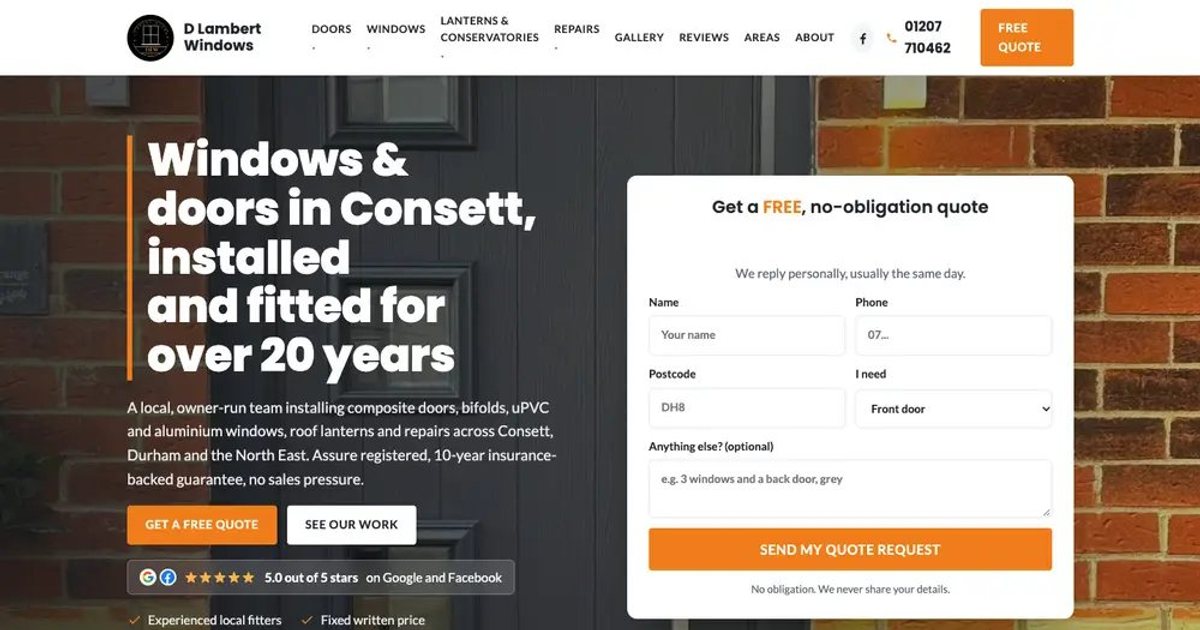
This is the whole Growth Bull offer on one page: what we build, what it does for a trade, what it costs, and what happens next. Pictures and clips of every part, so you can see it rather than take our word for it.
Every Growth Bull site has the same bones. What changes is the trade, the towns and the photos.
The short version
For £99 + VAT a month we build you a proper website up front, then run the system behind it. Everything below is included. There is no set-up fee, the first 14 days are free, and you can cancel any time.
- Your website, built for you before you pay a penny: your real jobs in real homes, a quote form on the first screen, and a page for every service in every town you cover
- Your Google Business Profile set up, optimised and tied to the website, so you show on the map
- Reviews on autopilot: every finished job becomes a Google review request under your name, plus QR codes and printed review cards for the van
- Missed-call text back: your own number on the site rings your mobile, and a caller you cannot take gets a text from you within seconds
- A simple leads dashboard: every form and every call in one list, one tap to mark a job done
- QuoteConvert: drag-and-drop quotes that become a branded page the customer accepts with one tap
- Changes done for you every month: new photos, a new service, a new town. No chasing a web designer
- Lock in £99 + VAT a month now. New clients will soon pay £199 + VAT
Your website, built up front
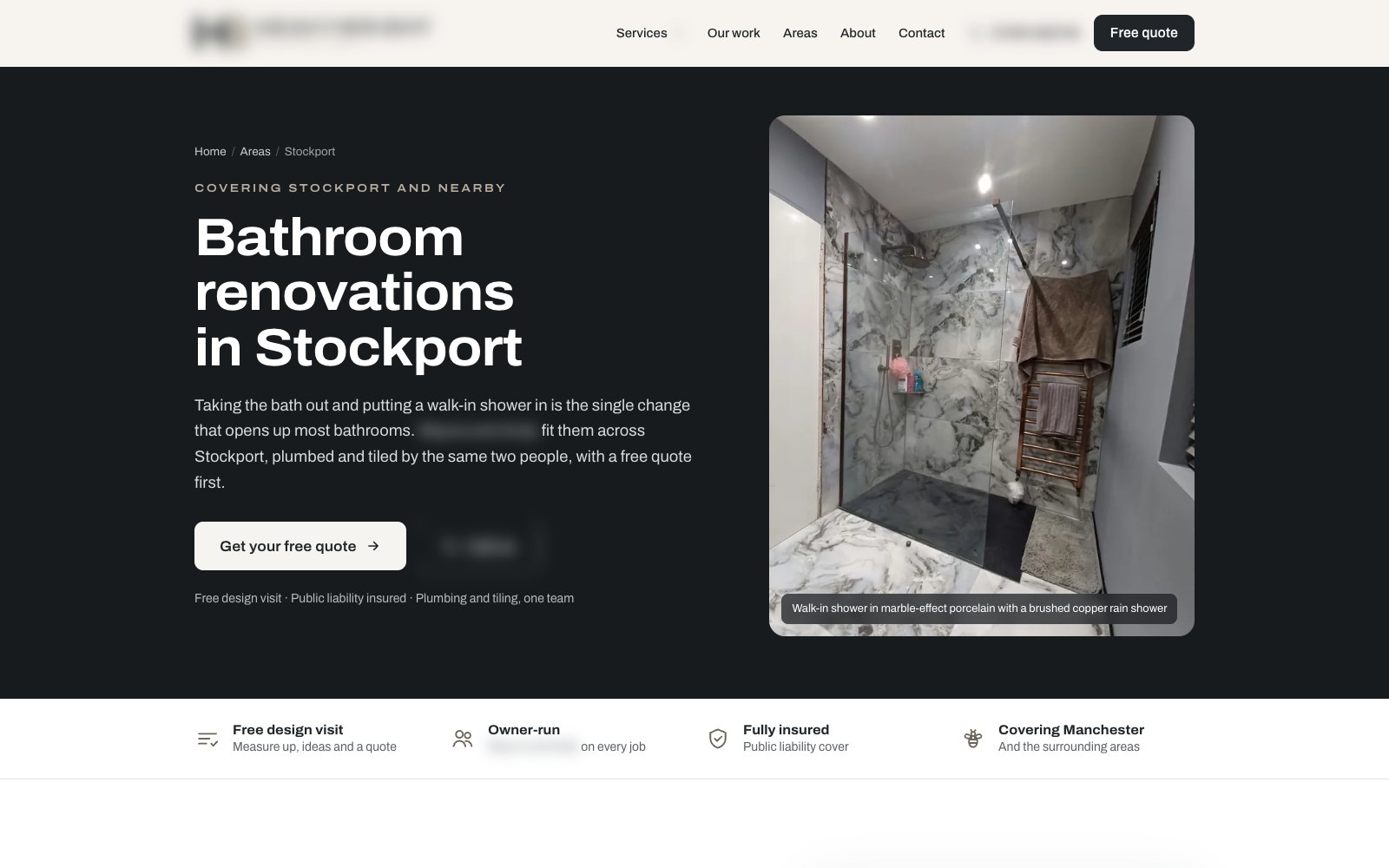
We build it before you pay anything, from your photos and a twenty-minute call. Real work in real homes on the first screen, the areas you cover, and one button: get a free quote. No stock photos, no waffle.
Here is one we are building right now for a bathroom company in Manchester, so you can see the standard. The company name and logo are blurred. Yours would have the same bones, with your trade where the bathrooms are.
Three more we have built
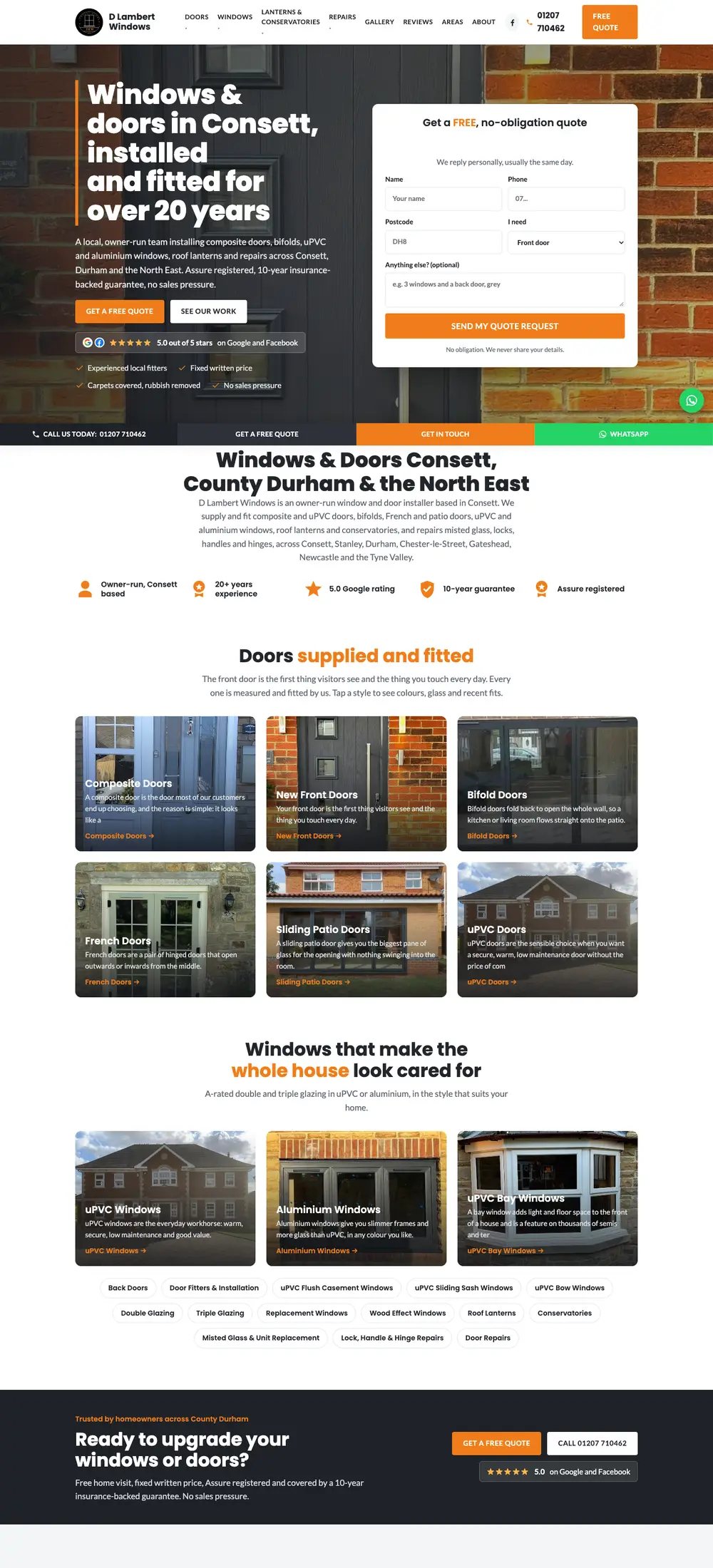
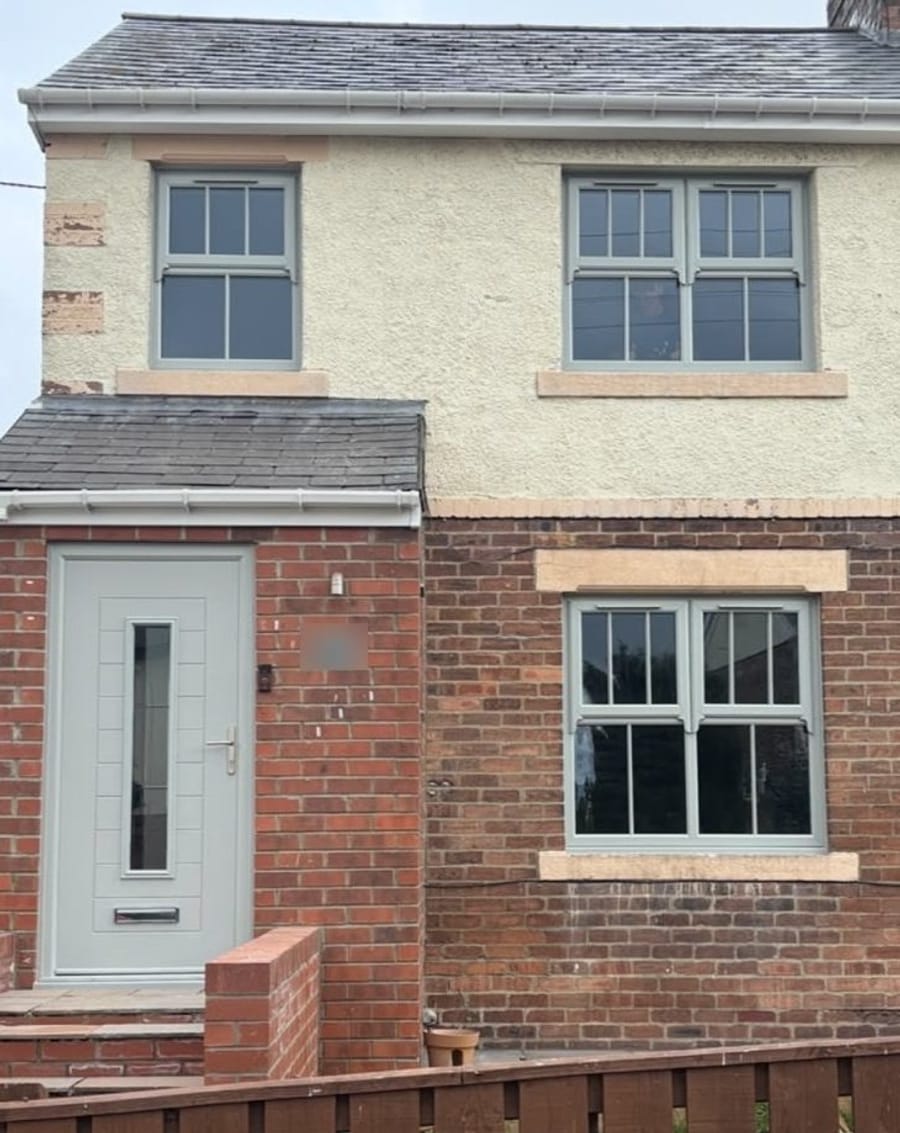
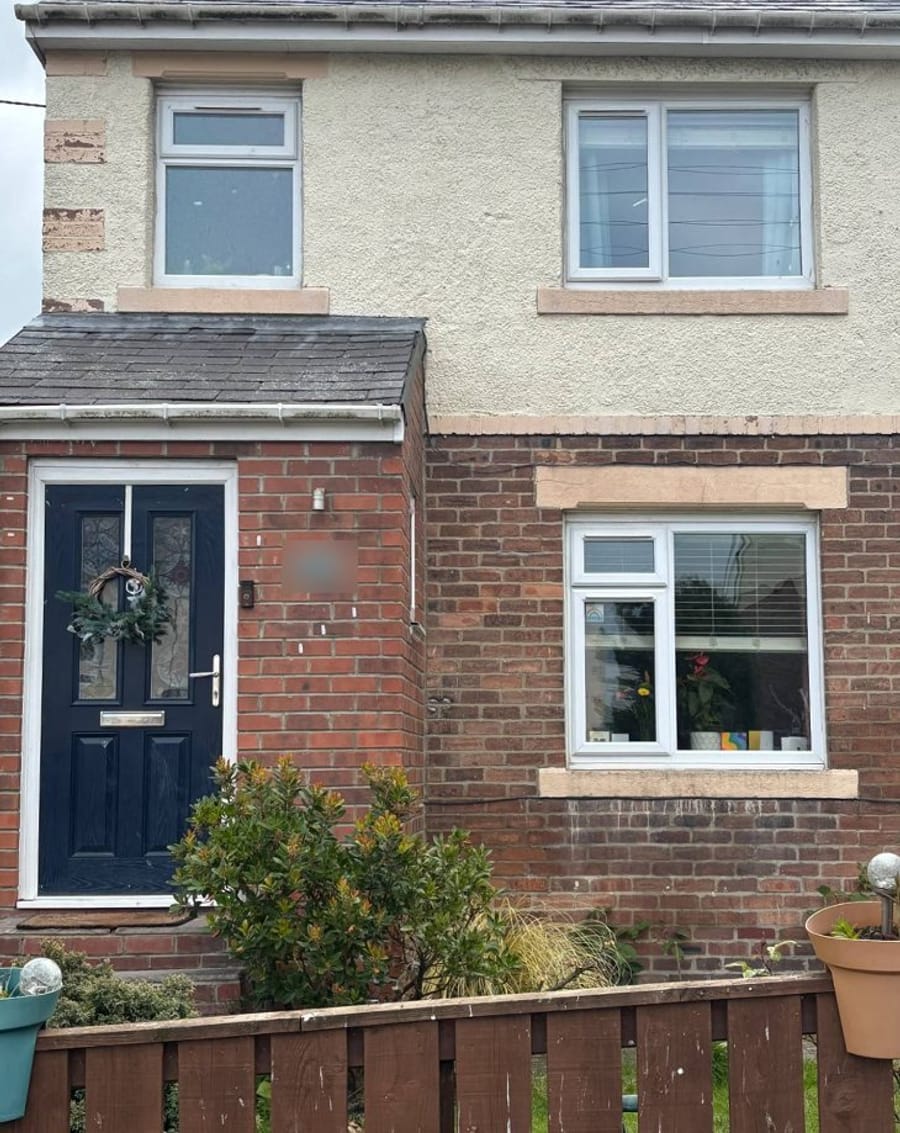
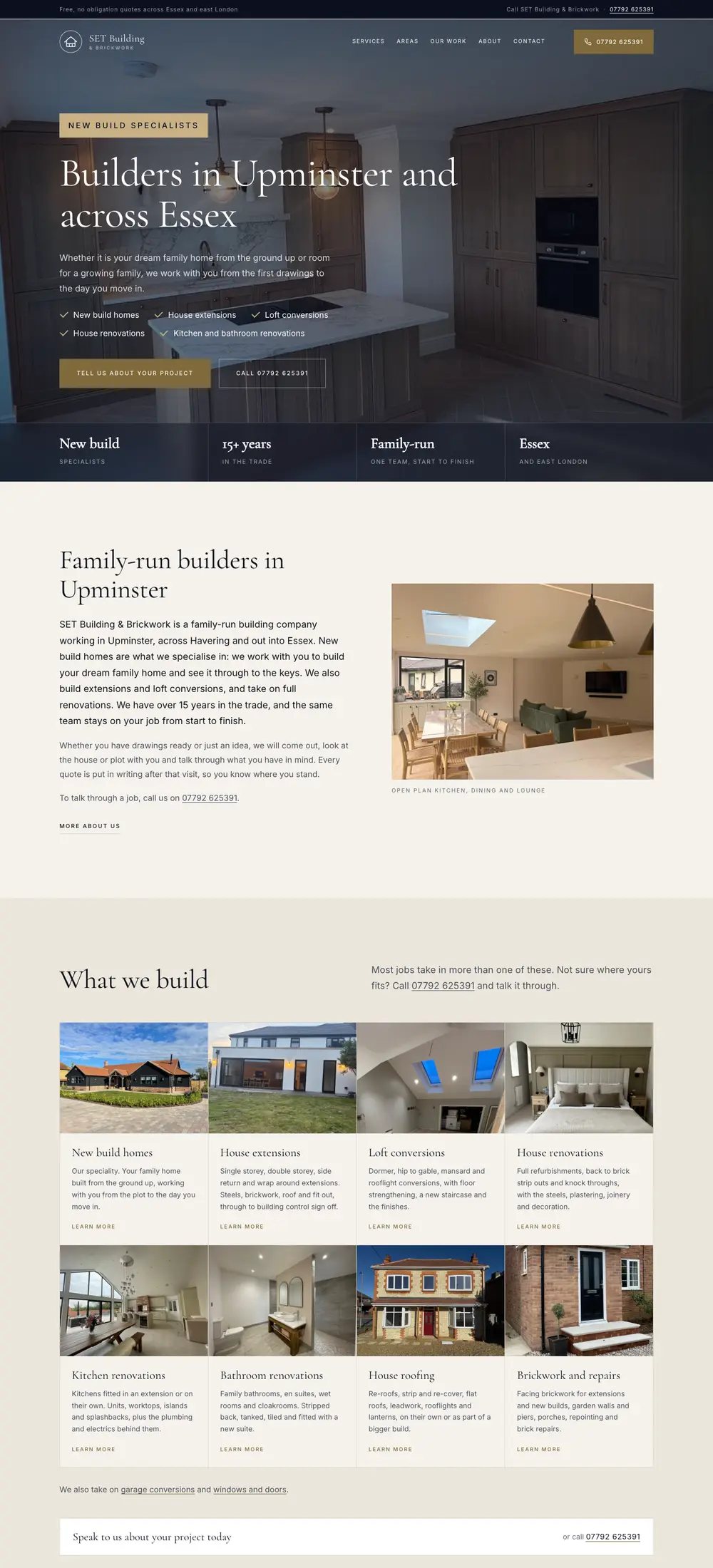
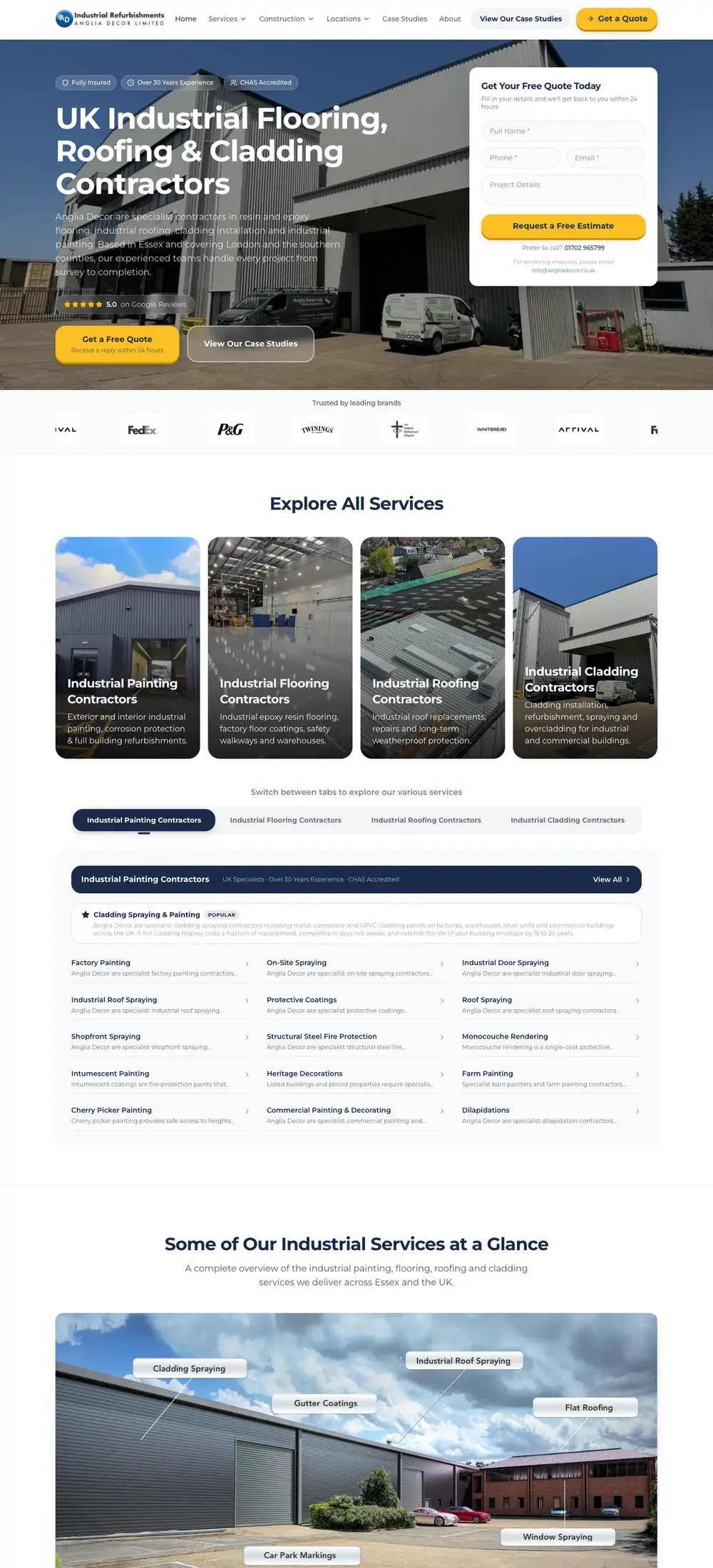
A windows and doors firm in County Durham, a set builder, and an industrial contractor in Essex. Different trades, the same bones: the work first, a page for every service and town, and the form where the reading ends.
A page for every service in every town
Customers search the job and the town, not your name. So the site gets a page for each service you offer and a page for each town you cover, written properly, with the right photos on each one. A map on the homepage lights up each area and clicks through to its page.
That is how you become the one locals find first, and it is the part most website builders skip.
- One page per service, in the words people search with
- One page per town, for each of those services
- Real photos of your jobs on every page, never stock
- A quote form in the first screen of every page
Your Google listing, done properly
When someone in your town types your trade into Google, the first thing they see is the map with three businesses on it. Getting on that map is not luck. We set your Google Business Profile up with the right categories and every service listed, make the services on it match the pages on the website word for word, embed it on the site, and keep it active with posts, new job photos and a steady run of new reviews.
- The right categories and every service listed, matching the website page for page
- Your address and service area set, so the pin and the area are right
- The listing embedded on the website, so Google sees the two as one business
- Regular posts and new photos, so it never looks abandoned
- New reviews landing on it every week, from the review automation below
Reviews on autopilot
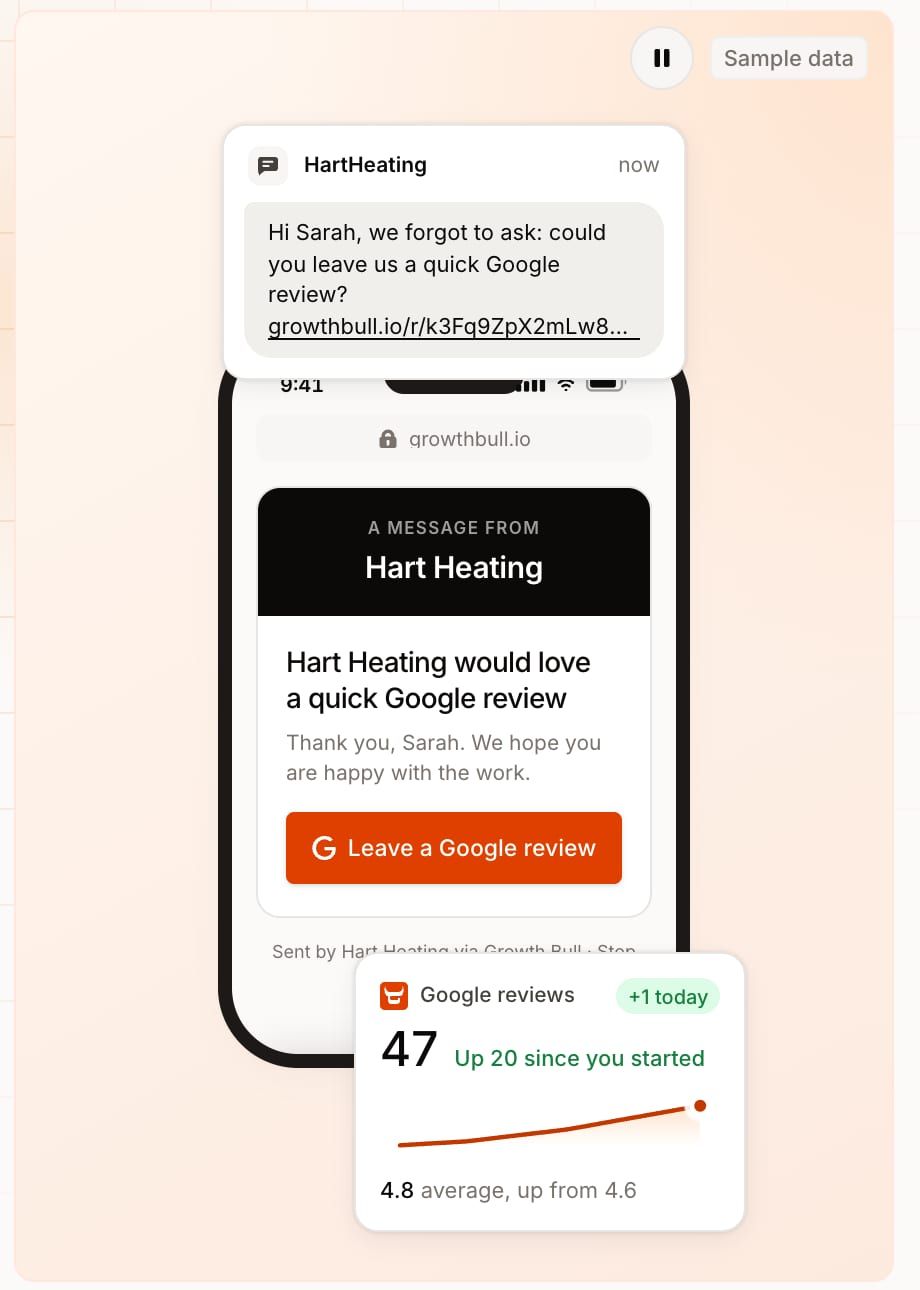
Reviews are the thing every trade knows they should ask for and nobody gets round to. So the system asks. When a job is done, you tap Job done in your dashboard and the customer gets a friendly text under your name with one tap straight to the Google review form. Nothing to type, nothing to find.
Past customers get asked too, from your customer list, a few a day so it never looks like a flood. For the jobs where the customer is stood right there, you get QR codes and printed review cards to leave behind. A steady run of recent reviews is what moves a Google page up the map, and the reviews then show on your website where they win the next job. No review is ever filtered: everyone gets the same link, and only Google decides what shows.
Missed-call text back
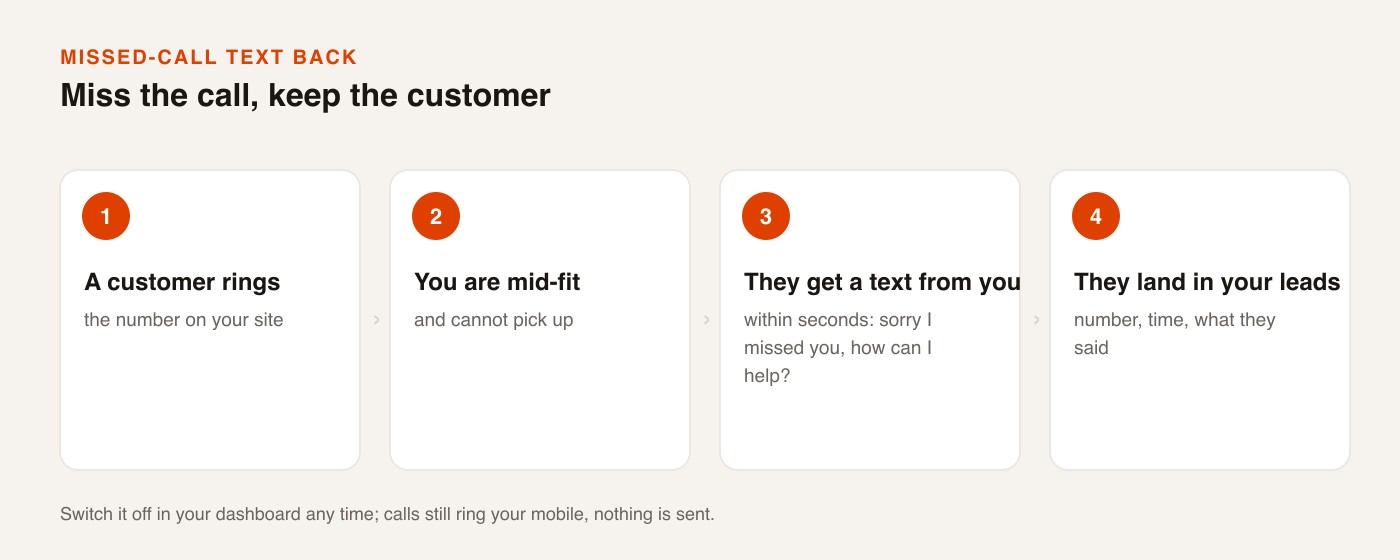
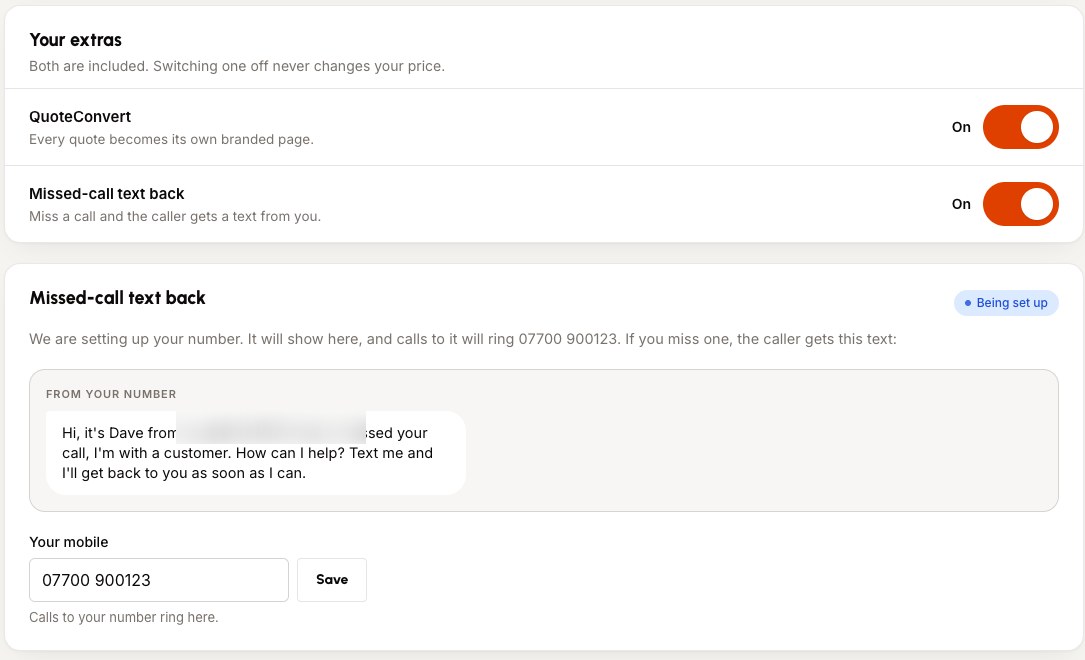
Your own local number goes on the website and the adverts and rings straight through to your mobile. Miss a call because you are mid-job, and the caller gets a text from you within seconds: sorry I missed your call, I am with a customer, how can I help? They do not ring the next firm on the list, and they land in your leads with the time and their number.
Your leads dashboard
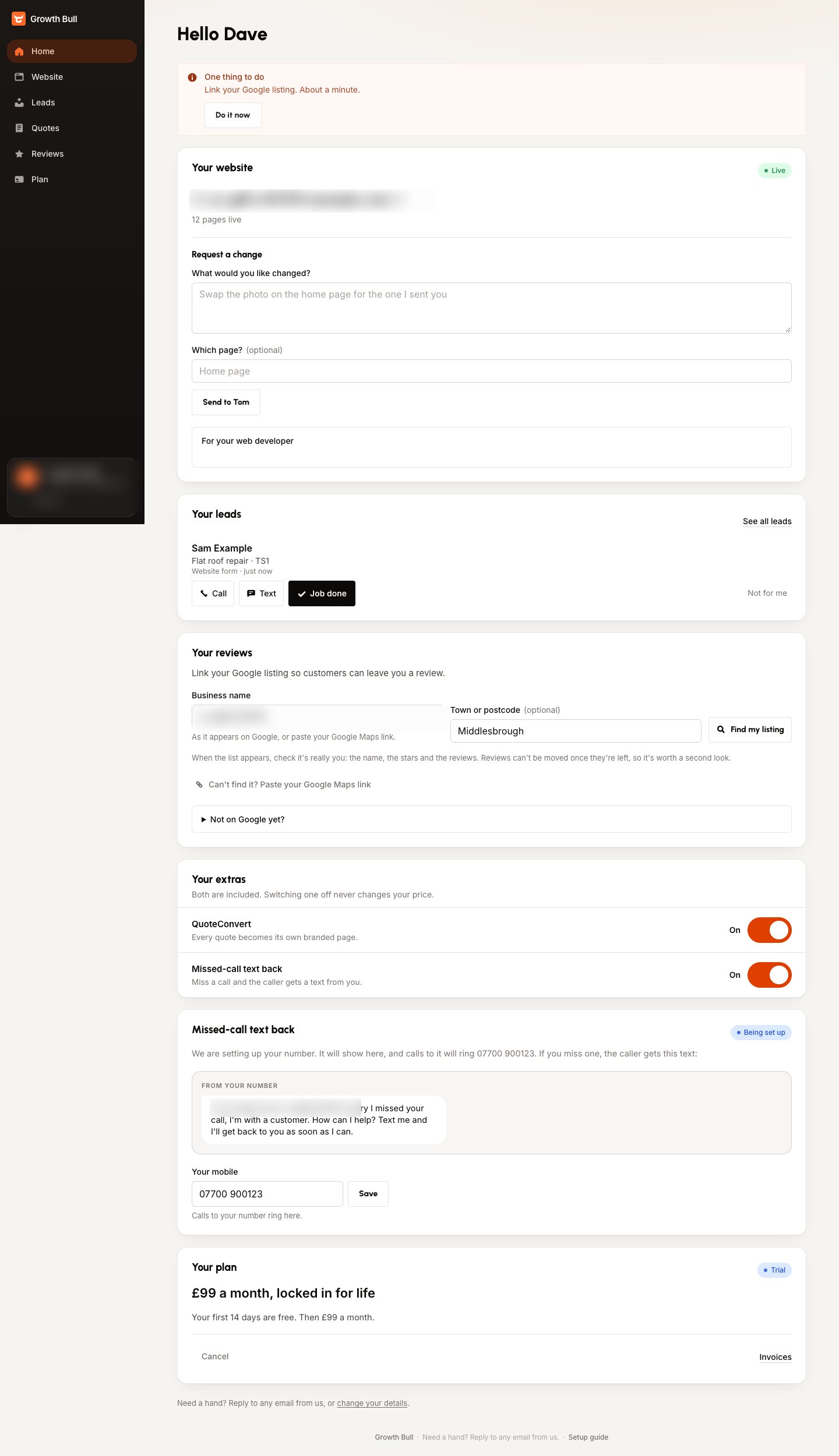
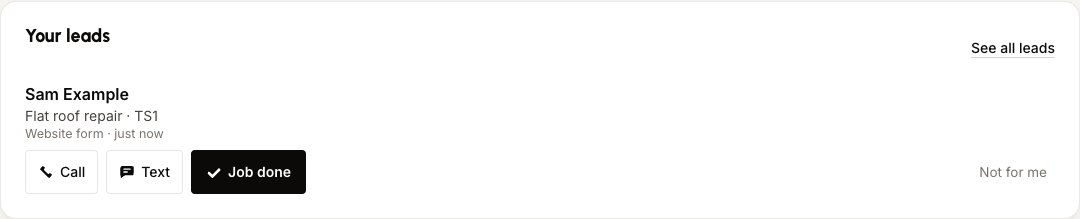
One screen, nothing clever to learn. Your website link and a box to ask for changes, every lead from the site and from missed calls in one list with Call, Text and Job done buttons, your reviews, your extras and your plan. Tap Job done and the review request goes out on its own.
QuoteConvert: drag-and-drop quotes
Most trades send a quote as a PDF the customer cannot read on their phone, then hear nothing. QuoteConvert turns every quote into its own branded page. Start from a template, drag your line items into place, add a photo, and send. The customer gets a clean page on their phone with one tap to accept, and you see the moment they open it.
It is in the £99 + VAT as standard. It is also a switch in your dashboard, so if you would rather keep quoting your own way for now, switch it off and the price does not change.
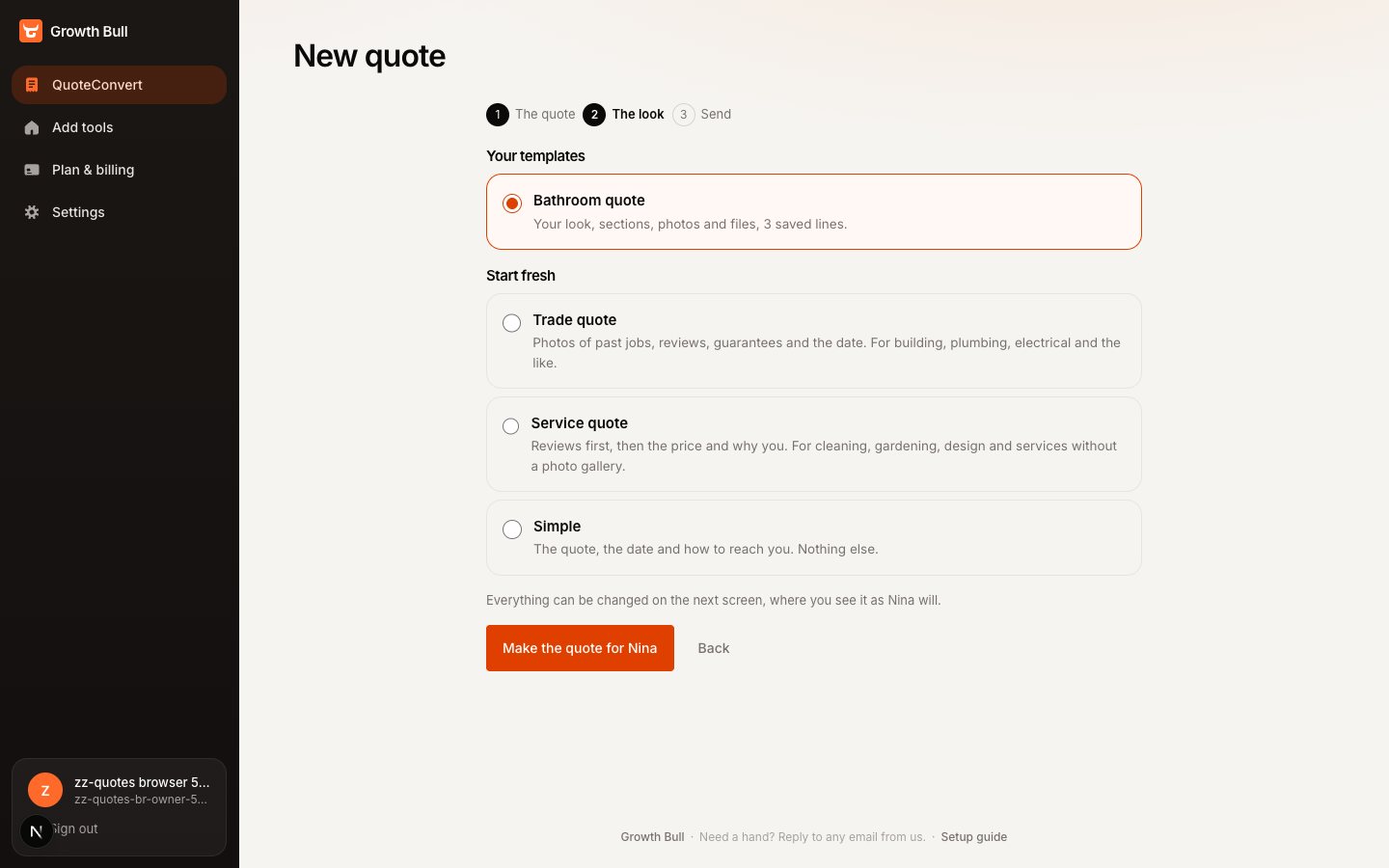
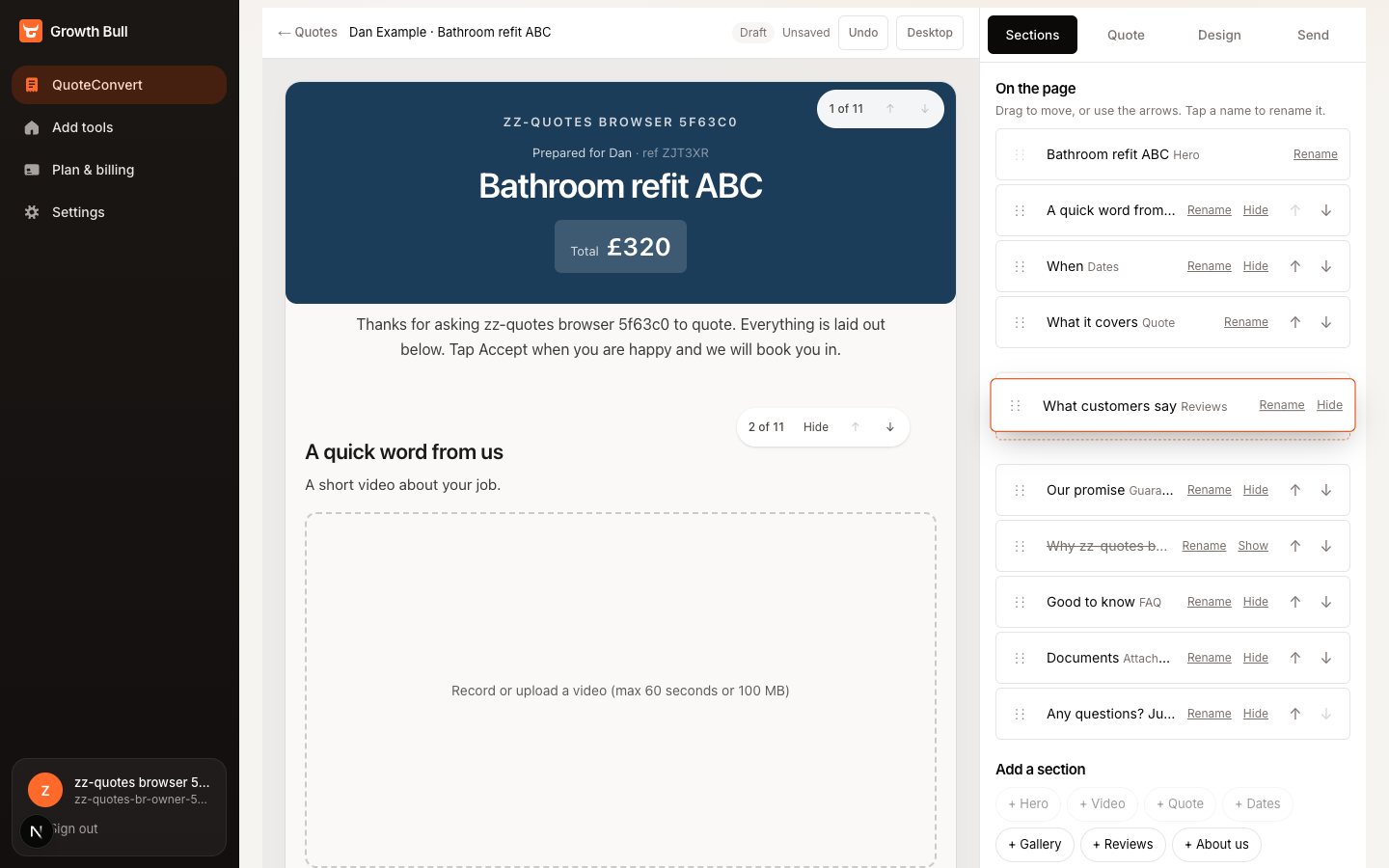
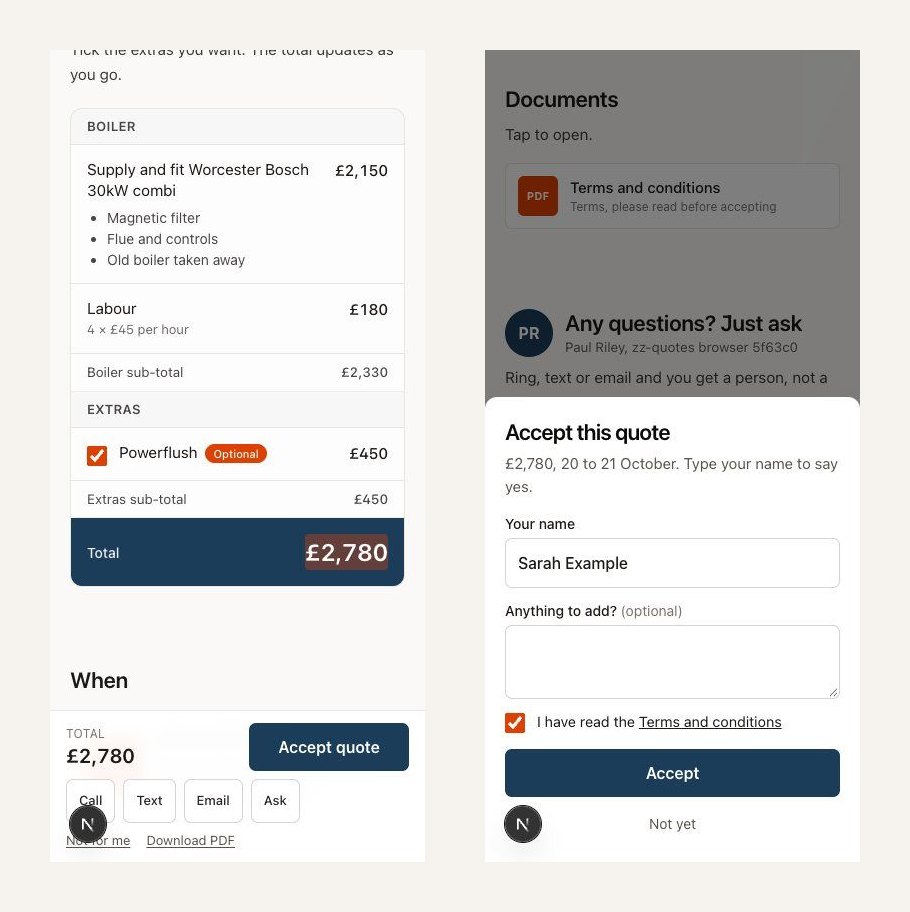
Switch the extras on or off
Missed-call text back and QuoteConvert are included as standard and run as switches in your dashboard. On when you want them, off when you do not. Switching one off never changes your price, and you can switch it back on whenever you like.
How it works: five days from the first call
Two calls, three days of building in between, and you are live. It is built so you do as little as possible.
- Day one, the discovery call: twenty minutes on the services you offer, the towns you cover, the jobs you want more of, and the photos you have. That is all the homework there is
- Days one to three, the build: the website, the Google listing, your local number, the dashboard and the review automation are set up while you get on with your jobs. Send photos over on WhatsApp as they come
- Day five, the onboarding call: bring your customer list. It goes into the system on the call and the first review requests go out there and then. You get your QR codes and review cards. Then we run through everything live, so nothing is a mystery
- After that: new photos, a new service or a new town, done for you each month. Tom is a message away
What it costs
Built up front, 14 days free, then £99 + VAT a month for as long as you stay. No contract, cancel any time. New clients will soon pay £199 + VAT a month, so joining now locks in £99 + VAT.